4 min read
Your first video call with a stranger, step by step
A video call with a stranger sounds more intense than it is. The first one feels strange for about ten seconds. After that it is mostly just a conversation with someone you happen not to know.
Here is what happens on Stranger from the moment you open the page to the moment you hang up, so nothing on your first call comes as a surprise.
Before you start: a minute of preparation
Sit facing a window or a lamp rather than with the light behind you, put the camera at roughly eye level and plug in headphones if you have them. Headphones matter more than people think: without them, your match can hear their own voice coming back through your speakers.
Then look at what is behind you. Anything with your name, address or school on it is better out of shot. Our guide to looking good on webcam goes into more detail, and the safety rules for video chatting with strangers cover the rest.
Step 1: allow your camera and microphone
Open the video chat page and press start. The first time, your browser asks whether Stranger may use your camera and microphone. Choose Allow. Nothing is installed and there is no account to create.
If you clicked Block by accident, open the site settings from the icon to the left of the address bar, allow both and reload. On a phone, the browser itself also needs camera permission in your system settings.
Step 2: a short wait for a match
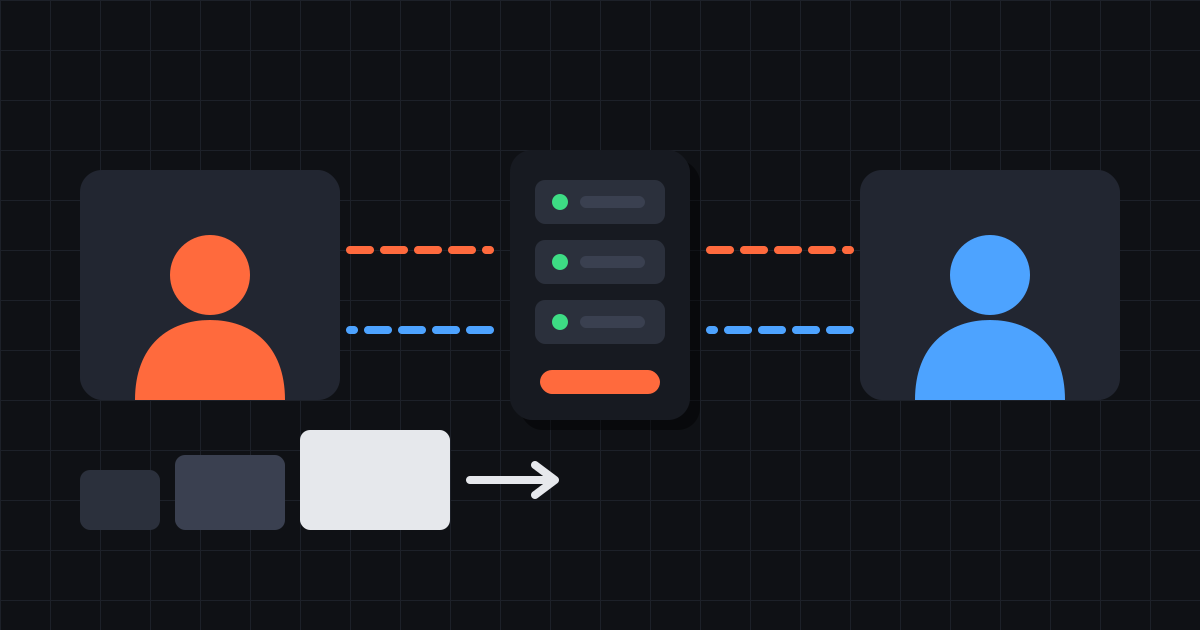
You now see your own preview while Stranger looks for someone. You are only matched with people who also chose video, so everyone you meet has their camera on as well. It usually takes a few seconds, longer when fewer people are online.
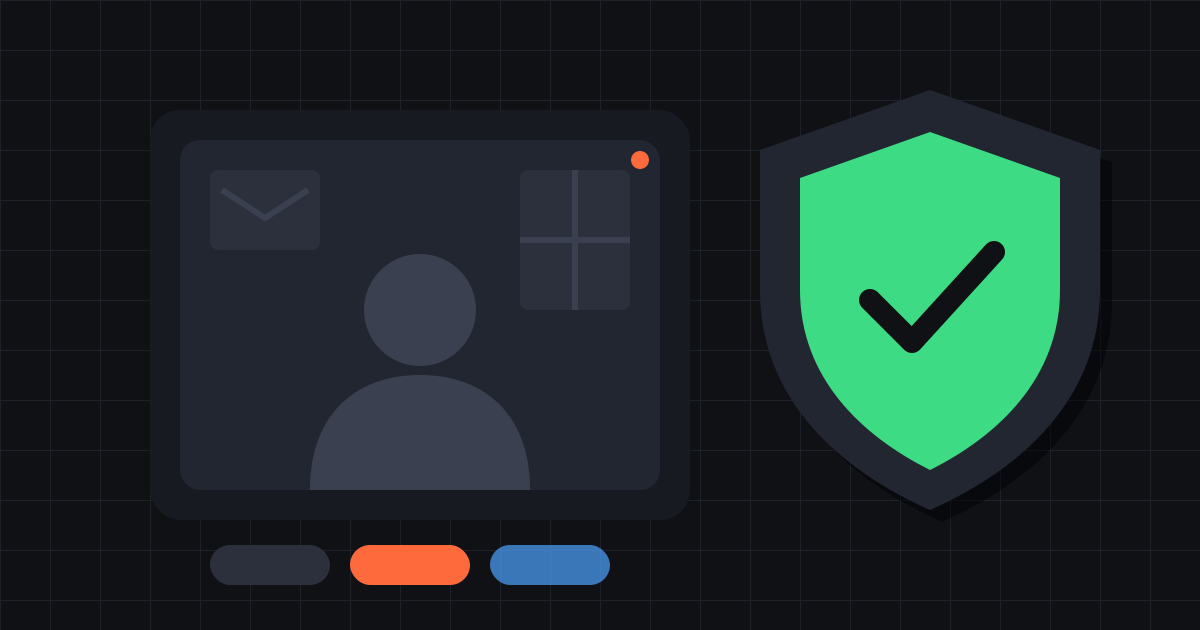
Recording for moderation starts when you press start, so this waiting time is recorded too. The privacy page explains what is kept and for how long.
Step 3: the first ten seconds
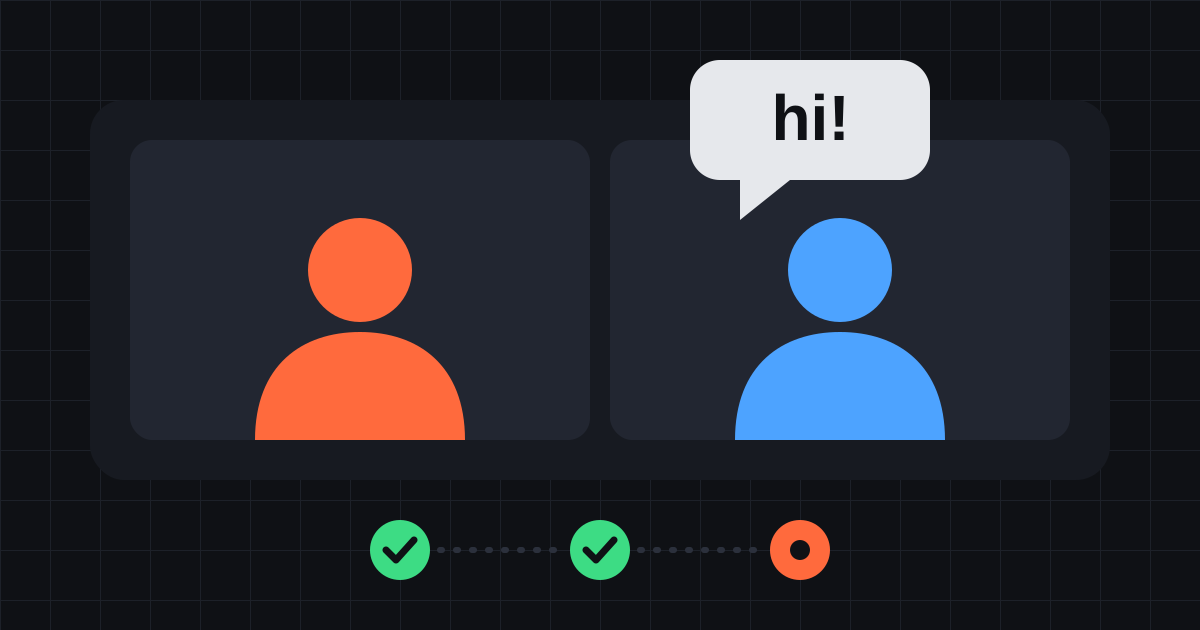
When a match is found, their video appears next to yours. It can look soft for the first few seconds while the connection works out how much your networks can carry, then it sharpens.
This is the awkward part, and it is awkward for both of you. The other person is also looking at a stranger and wondering what to say. Smile, say hello, and give it a few seconds before deciding anything. Plenty of good conversations start with two people laughing at how odd this is.
Step 4: what to actually say
"Hi" on its own tends to stall. Something specific works better, ideally about something you can both see or something they can answer in more than one word.
- "Where are you calling from? It looks like evening there."
- "What were you doing before you opened this?"
- "I've never done this before. Is it your first time too?"
- "Is that a guitar behind you? Do you play?"
Step 5: the controls you will use
Everything sits below or next to the video:
- Text chat beside the video, for links you can't say out loud, spelling a name, or when the sound drops. Hide chat folds it away.
- Mute turns off your microphone. Your match sees that you muted, so they know you haven't left.
- Next (or Esc) ends this call and finds you a new match straight away.
- Stop ends the chat and takes you back.
- Report reports your current match to our moderators and moves you on.
- 18+ decides whether nudity can reach your screen. More on that below.
The 18+ switch, explained
Stranger is only for adults, and the 18+ switch starts on. With it on, nothing is blurred and you can be matched with people who show nudity.
Turn it off and two things change. Your match's video stays blurred until it has been rated clean by our nudity detection, and you are only matched with people whose video has already been rated clean. That can make the wait a few seconds longer, and the detection can still miss things, but most people who want a calm first call switch it off.
Ending the call
There is no polite way to leave a random video call, and no need for one. Press Next when you are ready for someone new, or Stop when you are done. The other person is simply matched with someone else.
If the first call goes badly, try a few more before deciding. The difference between one stranger and the next is the whole point. Ready? Start a video call.