3 min read
How to look and sound good on a video chat, without new gear
On a random video chat, the first impression is mostly technical. A dark, grainy face filmed from below gets skipped before it says a word.
Nearly all of that can be fixed with what you already own.
Light: face it, never sit in front of it
Light matters more than the camera does. Sit facing a window or a lamp so the light lands on your face. With a bright window behind you, the camera exposes for the window and you become a silhouette.
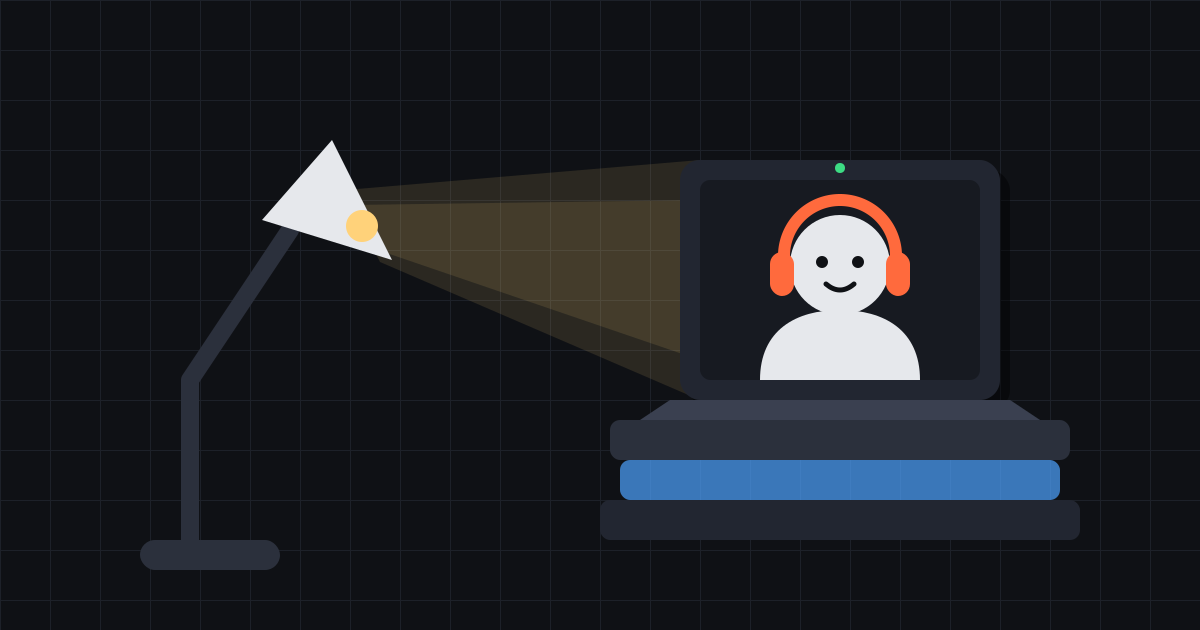
In the evening, try a desk lamp pointed at the wall in front of you; the bounced light is soft and flattering. A single bulb straight overhead does the opposite and puts shadows under your eyes.
Camera at eye level
A laptop on a desk films you from below, which flatters almost nobody. Put it on a few books so the camera sits at eye level or a little above. Prop a phone up instead of holding it, and the picture stops shaking.
Framing
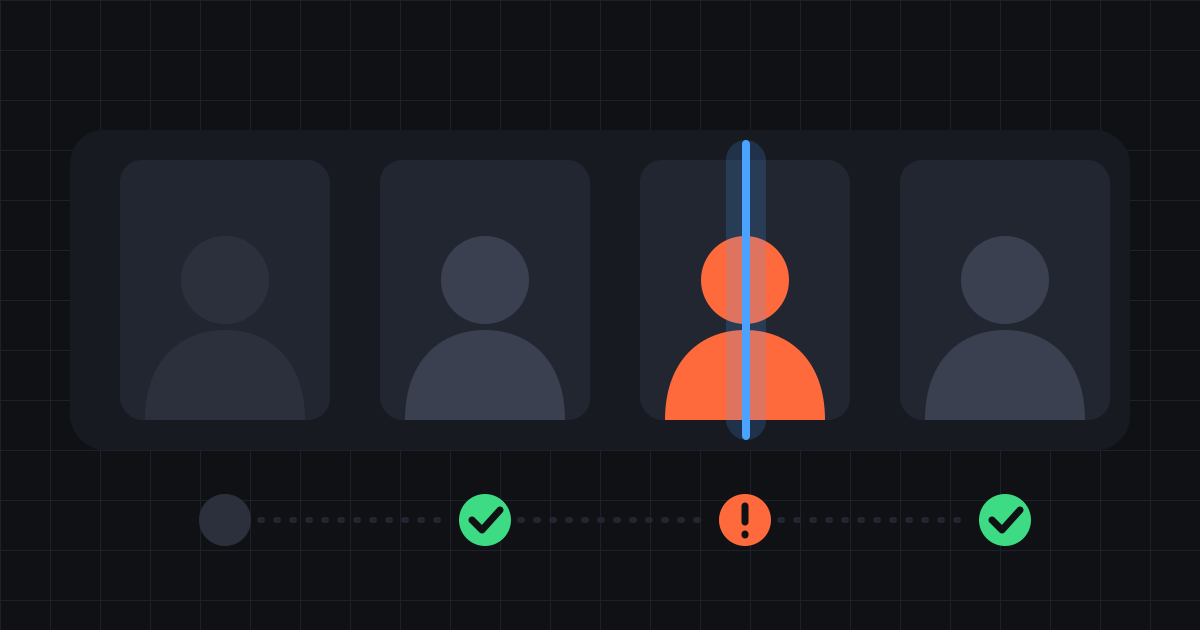
Aim for head and shoulders, with your eyes about a third of the way down the frame. Closer than that feels intense. Further away, the other person can no longer read your face. When you say something that matters, look at the camera rather than the screen.
Background: tidy and anonymous
A plain wall or a tidy shelf keeps the attention on you.
More important is what the background gives away. Post with your address on it, a school or work badge, a recognisable view from the window, family photos: strangers notice more than you would expect, and a few of them are looking.
Sound: headphones beat everything
Most audio trouble on video chat is echo. Your speakers play the other person's voice into your microphone, and they hear themselves a moment later. Any headphones fix it, cheap wired ones included.
Pick a quiet room, shut the window if there is traffic outside, and turn off fans and the television. A room with curtains or a rug also sounds better than a bare one.
Connection
A picture that freezes or turns blocky usually points to the network. Move closer to the Wi-Fi router, pause downloads and streaming on the same network, and close any other video calls. Some school, office and public networks block video chat outright, in which case mobile data is the fallback.
Before you start
A quick check takes about thirty seconds:
- Light in front of you, not behind.
- Camera at eye level, with the phone or laptop propped up.
- Head and shoulders in frame.
- Nothing in the background that identifies you.
- Headphones in.
- Other apps that use the camera closed.
Then say hello
Once the picture and sound are sorted, the rest is conversation. Smile, open with a question, and move on if it does not click. For why it is worth the effort, read the case for talking to strangers; for staying safe, see the safety page.
When you are set up, start a video chat.