5 min read
How a live video chat with strangers works, from click to camera
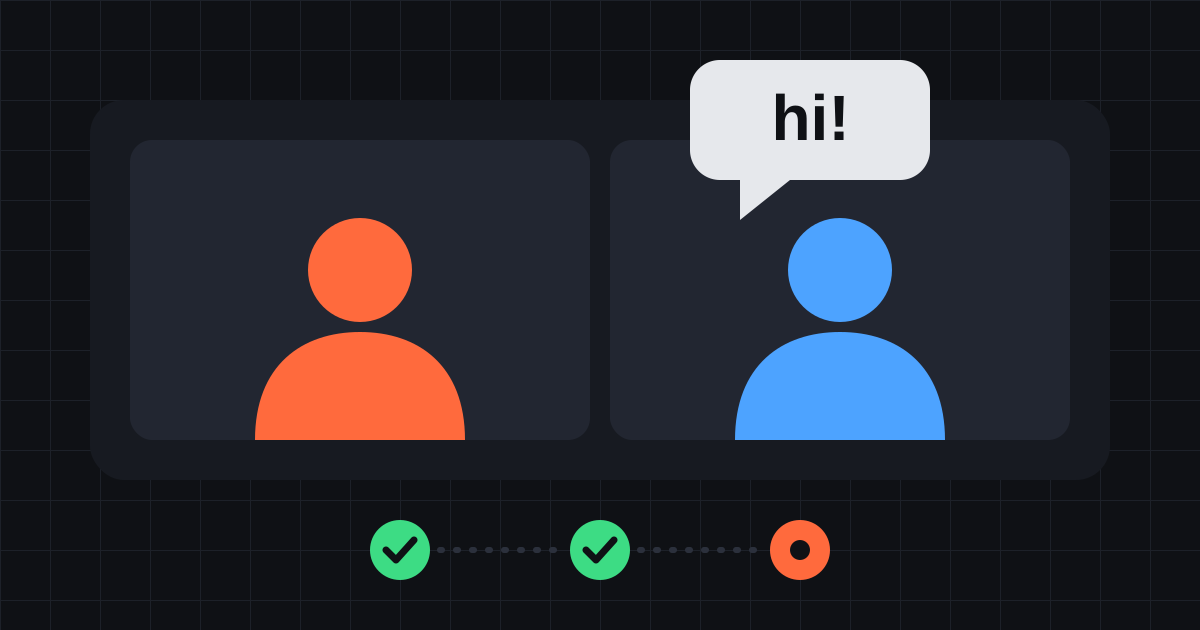
From the outside, an online video chat with strangers looks simple. You press a button and a few seconds later someone you have never met is on your screen.
Quite a lot happens in those seconds. This is a plain-language tour of how a live video call works on Stranger, which parts can make it slow, and what the design means for your privacy.
Two connections, not one
When you open Stranger, your browser opens a WebSocket to our server. That is a lightweight connection that stays open and carries small messages: who is waiting, who has been matched, your text messages, and the setup messages for the video call. It reconnects by itself if it drops.
Your camera and microphone travel separately, over WebRTC. That is the technology browsers use for real-time audio and video, and it is built into every modern browser, which is why there is nothing to install.
Keeping the two apart is useful. The chat and the matching keep working over the WebSocket even while the video connection is still being set up.
Pressing start
When you press start on the video chat page, the browser asks for your camera and microphone. Once you allow them, Stranger draws its name onto your outgoing video as a small watermark and sets up a WebRTC connection with our server.
Then you wait to be matched. You are paired at random with someone who also chose video. If your 18+ switch is off, only with someone whose video has already been rated clean by our nudity detection.
Why your video goes through our server
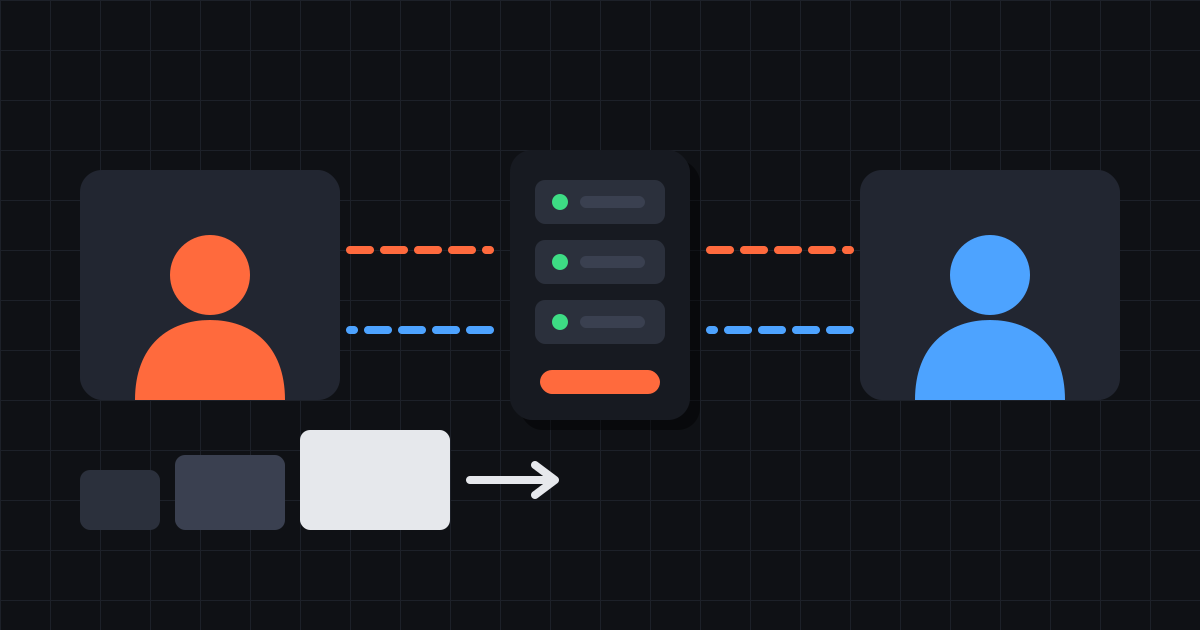
Many video chat apps connect the two browsers directly to each other. Stranger does not. Your video and voice go to our server, and the server forwards them to your match. Their video comes back the same way.
This has two consequences you should know about.
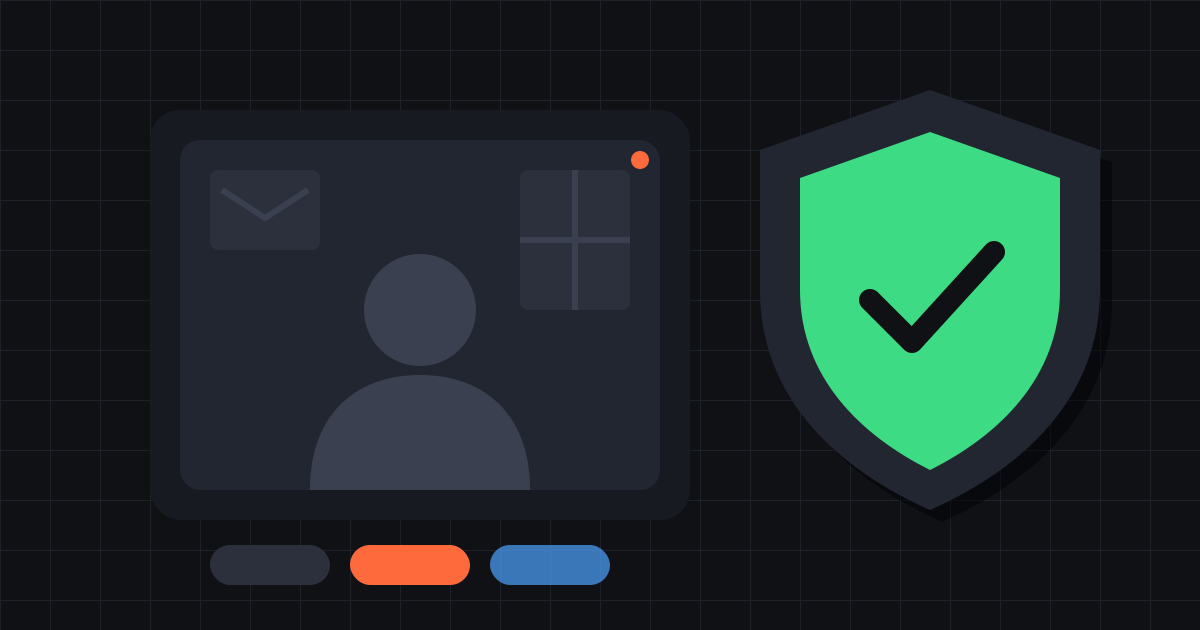
First, your match never connects to you directly, so they never receive your IP address. They only ever see our server.
Second, because everything passes through us, conversations can be recorded for moderation. Every call on Stranger is recorded, including the time you spend waiting for a match, and deleted after 30 days. The privacy page has the details.
Forwarded, not re-encoded
The server does not decode and re-encode your video. It passes the packets on as they arrive, which keeps the delay low and keeps the server cheap enough to run for many calls at once. Every connection uses the same codecs, Opus for sound and VP8 for video, so packets can be forwarded unchanged and the recordings are ordinary WebM files.
The server does look at one small picture from your stream every two seconds. That is what the nudity check rates. Nothing else in the video is analysed.
Three versions of your video
Your browser actually sends up to three versions of your camera at once: a quarter-size one, a half-size one and full size. This is called simulcast.
The server picks one of them for your match, depending on how well their connection is coping. If they start losing packets, it switches them to a smaller version. After a quiet period it tries the next size up again. You don't have to do anything, and your match sees one continuous picture throughout.
This is also why a stranger video call can look sharp one moment and soft the next. It is usually their connection, or yours, adjusting.
Why it can take a few seconds
Most of the waiting has one of these causes:
- Nobody free yet. You are only matched with people who chose the same mode at the same time.
- 18+ off. Your match has to have been rated clean first, which takes at least one check.
- The first picture. Video can only start from a complete frame, called a keyframe. Stranger keeps your match's video covered until the first one from your new match has arrived, so you never see a frozen frame of the previous person.
- A slow start. Browsers begin a call at a modest bitrate and raise it once they see the connection can carry more.
Why it fails on some Wi-Fi
All voice and video on Stranger goes over a single UDP port on our server. UDP is the kind of traffic real-time media needs, because a late packet is useless and is better skipped than waited for.
Many school, office and public networks block UDP traffic to anything they don't recognise. On those networks the chat and the matching still work, since they use the normal web connection, but the video never connects. Mobile data or a home network usually works. The other common causes are covered under troubleshooting on the video page.
What this means for you
A live video chat with strangers on Stranger keeps your address away from the person you meet, adapts to a weak connection by itself and needs nothing but a browser. In exchange, everything you send passes through our server and is recorded for moderation. That trade-off is deliberate, and it is also why we spell it out.
None of this stops someone from recording their screen, so the rules for video chatting with strangers safely still apply. When you're ready, start a video chat.